

10 Common WordPress Challenges Crocoblock Solves for your website
Building a website today is no longer just about creating pages and adding images. Businesses and creators now need advanced features like booking systems, dynamic content, user accounts, filters, forms, and membership functionality.

The problem is that many WordPress users start with basic tools and eventually discover limitations. They begin installing multiple plugins, managing compatibility issues, and spending more time fixing problems than growing their websites.
This is where Crocoblock becomes useful.
Instead of relying on multiple disconnected plugins from different developers, Crocoblock provides a complete ecosystem of tools designed to bring advanced website functionality together in a simpler, more organized, and more efficient way. Rather than constantly searching for separate solutions to add features and improve functionality, website creators can access a collection of tools built to work together within one connected system.
Many website projects start with basic requirements such as creating pages, adding content, and designing layouts. However, as a website grows, additional functionality often becomes necessary. Businesses may want custom user dashboards, dynamic content, advanced search and filtering systems, booking and appointment features, membership areas, online directories, custom forms, or personalized experiences for visitors. While each of these features can often be added individually through separate plugins, combining many unrelated tools can create new challenges.
Using multiple plugins from different providers can increase complexity over time. Each plugin may have its own settings, update schedules, learning curve, and compatibility requirements. As more plugins are added, website owners can face issues such as slower website performance, conflicts between tools, inconsistent user experiences, and increased maintenance work. Something as simple as a plugin update can sometimes affect other parts of the website and require troubleshooting that takes valuable time away from actual business growth.
For developers, agencies, and creators managing several projects, this can become even more difficult. Maintaining a website built from many disconnected solutions often means spending more time fixing technical problems than focusing on design, content creation, and improving customer experiences. A workflow that should feel efficient can gradually become complicated and difficult to manage.
Crocoblock approaches this challenge differently by creating an integrated ecosystem where advanced website features work together more naturally. Instead of piecing together multiple unrelated tools, users can build powerful websites with greater flexibility and less unnecessary complexity. This creates a smoother development process and allows website owners to focus more on creating engaging, high-performing websites.
To understand why these tools matter, it helps to look at some of the most common website challenges many creators and businesses encounter, and how those challenges can affect the success, performance, and growth of a website project.
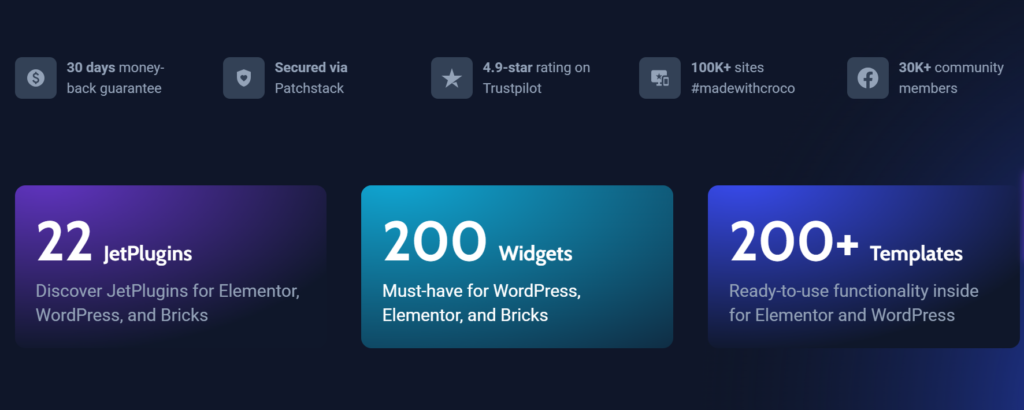
Dynamic content in WordPress
Modern websites require much more than attractive design alone. While visual appearance remains important, users now expect websites to deliver functionality, speed, convenience, and personalized experiences. A visually impressive website may capture attention initially, but if it lacks the features people expect, visitors can quickly lose interest and move elsewhere.
Today, websites serve many different purposes beyond simply displaying information. Businesses use websites to generate leads, sell products, manage customers, process bookings, deliver services, build communities, and create interactive experiences. As a result, website owners often need more advanced functionality to meet growing user expectations and business goals.
Many modern websites now require features such as:
- Online booking and appointment systems
- Dynamic content that updates automatically
- User dashboards and personalized accounts
- Membership and restricted-access areas
- Business directories and listing platforms
- Advanced search and smart filtering systems
- Custom forms and data collection tools
- User profile management
- Interactive content and customized experiences
These features can significantly improve the overall experience for visitors while also helping businesses automate processes and operate more efficiently. For example, a booking system can reduce manual scheduling work, advanced filters can help users quickly find products or content, and membership functionality can create exclusive experiences for customers or communities.
However, adding these capabilities is not always simple. Many website owners attempt to achieve advanced functionality by combining multiple plugins from different providers. While this may seem like an effective solution at first, it can gradually introduce challenges that affect both website performance and workflow efficiency.
Without the right setup, website owners often encounter problems such as:
- Plugin conflicts between different tools
- Slow loading speeds and performance issues
- Limited design and customization flexibility
- Complicated development workflows
- Increased maintenance and update problems
- Compatibility issues after plugin updates
- More time spent troubleshooting technical errors
- Difficulty scaling the website as it grows
Over time, these issues can affect user experience, reduce productivity, and create unnecessary frustration. Instead of focusing on growing a business or improving website content, creators may find themselves spending valuable time managing technical problems.
Building a successful modern website is not only about appearance; it also requires having the right functionality and systems working together efficiently behind the scenes. A well-structured approach can simplify website management and create a smoother experience for both website owners and visitors.
Tired of using multiple plugins for one website project?
Instead of dealing with plugin conflicts and limitations, Crocoblock brings powerful website-building tools into one ecosystem. Whether you’re building business websites, booking platforms, directories, or dynamic websites, you can simplify your workflow and build faster.
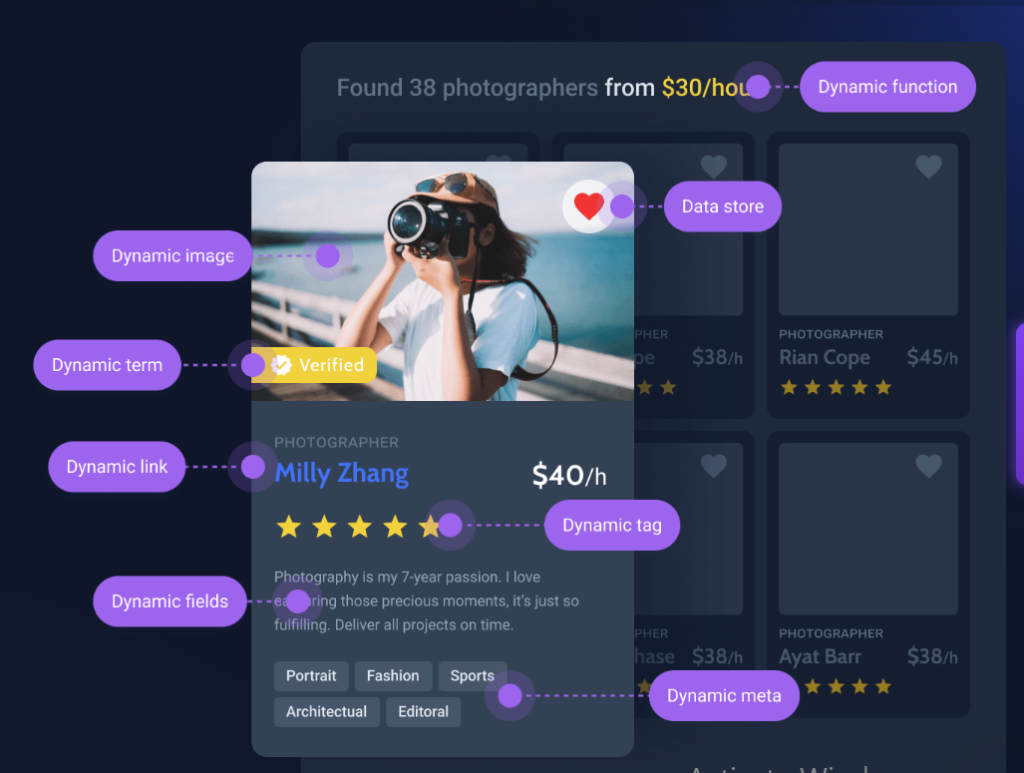
Problem 1: Elementor Limitations
Elementor is excellent for visual design, but many users discover that complex websites require more functionality.
Common examples include:
- Dynamic listings
- Advanced search systems
- User profiles
- Booking functionality
As a result, users often install several extra plugins that may not work smoothly together.
Problem 2: Dynamic Content Difficulties
Many websites depend on dynamic content.
Examples include:
- Property listings
- Job boards
- Course platforms
- Business directories
Without dynamic functionality, website owners spend time creating and updating pages manually.
This becomes difficult to manage as a website grows.
Problem 3: Complex Booking Systems
Many businesses now require online scheduling and reservations.
Examples include:
- Hotels
- Consultants
- Medical services
- Rental businesses
Managing appointments manually or using disconnected systems often creates unnecessary complexity.
Need booking functionality without unnecessary complexity?
From appointment scheduling to reservation systems, the right tools can save hours of setup and management time while improving customer experience.
Start Building Smarter Websites
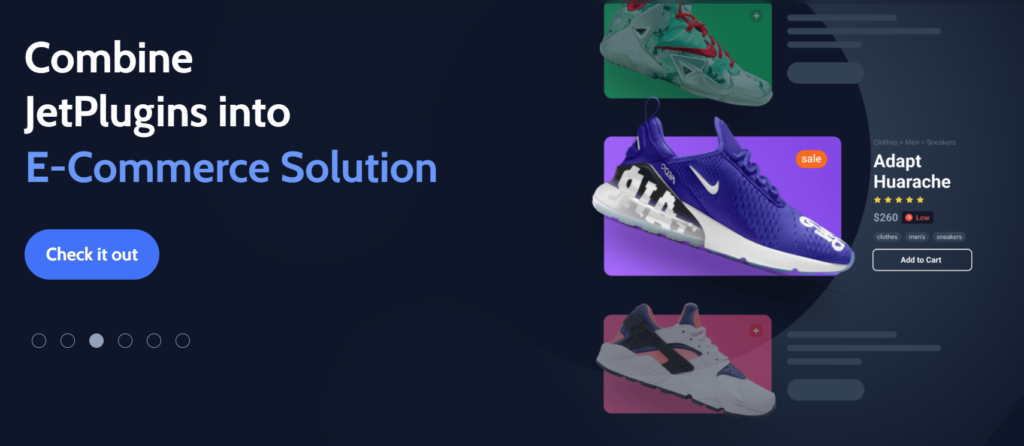
Problem 4: Advanced Filters
Visitors want fast access to information.
Imagine an online store with hundreds of products but no filters for:
- Price
- Categories
- Availability
- Location
Users may leave before finding what they need.
Problem 5: Custom Forms
Forms are essential for collecting leads and customer information.
Businesses often need:
- Contact forms
- Appointment forms
- Registration forms
- Multi-step forms
- Quote request forms
Advanced forms can become difficult when using multiple tools.
Problem 6: Directory Websites
Creating websites for listings and directories often requires:
- Search systems
- Maps
- User submissions
- Categories
- Custom fields
Building these manually can become time-consuming.
Problem 7: Membership Systems
Membership websites continue to grow in popularity.
Examples include:
- Online courses
- Premium communities
- Subscription content
- Digital products
Managing access permissions and user accounts can quickly become complicated.
Crocoblock Features
Crocoblock combines multiple website-building functions into a single ecosystem, reducing the need for numerous separate plugins.
It helps users build:
- Dynamic websites
- Advanced filters
- Booking systems
- Custom forms
- User profiles
- Directories
- Membership functionality
- Interactive website elements
For freelancers and agencies, this can reduce development time.
For businesses, it creates opportunities to build more powerful websites without extensive coding knowledge.
Final Thoughts
Modern websites require much more than basic layouts and static pages. Businesses, creators, agencies, and online entrepreneurs now need websites that are dynamic, interactive, and capable of delivering personalized experiences to users. Whether it is an online store, business website, booking platform, membership site, directory, or portfolio, website expectations continue to evolve rapidly. Visitors no longer expect simple pages with limited functionality; they expect fast, engaging, and feature-rich experiences.
As these expectations continue to grow, many website creators eventually encounter limitations that slow down development and create unnecessary complexity. Traditional website-building methods often require installing multiple plugins from different providers to achieve advanced functionality. While each tool may solve a specific problem, combining several disconnected plugins can create workflow challenges, compatibility issues, and ongoing maintenance concerns.
For example, a website owner may want to add advanced filtering options for products, create dynamic content sections, build custom user profiles, offer booking services, or launch a directory website with search functionality. Accomplishing these features through separate tools can quickly become frustrating and time-consuming. Managing updates, fixing plugin conflicts, and ensuring everything works properly together often takes attention away from growing the business itself.
This is where having an all-in-one ecosystem becomes valuable. Instead of relying on multiple unrelated solutions, website creators can benefit from using a system that brings powerful functionality together under one platform. Crocoblock was designed to address these challenges by providing a comprehensive collection of tools that work together seamlessly within WordPress, particularly for Elementor and Gutenberg users.
Using tools that simplify advanced website functionality can significantly improve the development process. With Crocoblock, users can build dynamic websites without unnecessary complexity while reducing the need for excessive plugins. Features such as dynamic content, custom post types, smart filters, booking systems, advanced forms, user profiles, membership functionality, and directory creation can be managed within a connected ecosystem.
When you need advanced website capabilities, having everything integrated into one system can improve workflow, save time, and enhance overall website performance. Rather than spending hours connecting separate tools together, creators can focus on building better user experiences and creating websites that are flexible, scalable, and designed for long-term growth.
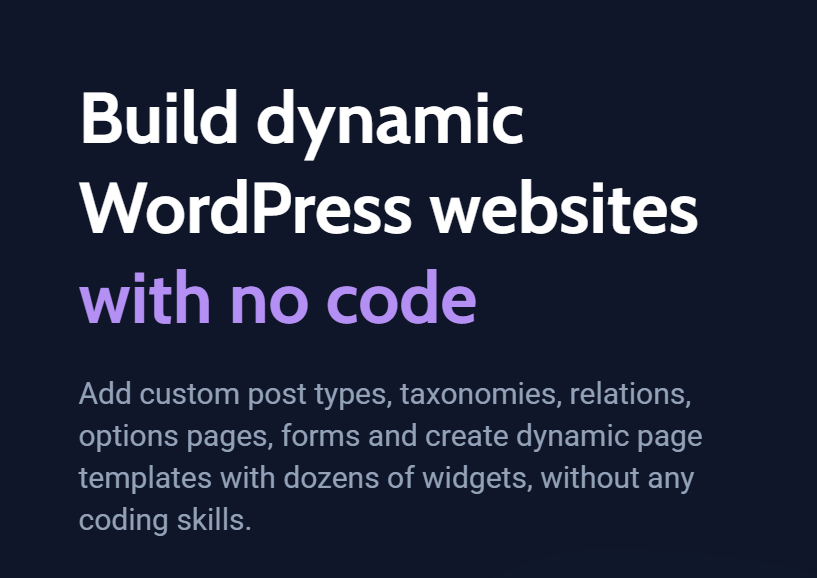
Ready to Build More Powerful WordPress Websites?
If you’re spending too much time installing multiple plugins, troubleshooting compatibility issues, or trying to force basic tools to perform advanced tasks, it may be time for a better solution.
Crocoblock helps businesses, freelancers, agencies, and creators build dynamic websites with advanced features like:
✔ Dynamic content
✔ Smart filters
✔ Booking systems
✔ Custom forms
✔ User profiles
✔ Directory websites
✔ Membership functionality
Stop piecing together multiple tools and start building websites with greater flexibility and efficiency.
Explore Crocoblock and Start Building Smarter
Need More Website Building Tips or Tools?
Follow Willx Digital for website tutorials, WordPress tips, Elementor guides, practical website-building ideas for businesses and creators.
Explore Our Shop for Website Tools & Resources
Discover tools, guides, and digital resources to help you build and grow professional websites faster.